
Introduction
Learning how to install mod APK safely is important because modified Android applications can come from sources that are not controlled by the original app developer. A mod APK may offer extra features, unlocked options, or changes that are not available in the normal version, but downloading an unknown file can also create security and privacy risks.
The safest approach is to understand what an APK is, check the source carefully, scan files before opening them, and avoid giving unnecessary permissions after installation. This guide explains the process in simple words so Android users can make more informed decisions.
What Is an APK?
APK stands for Android Package Kit. It is the file format Android uses to install applications outside the normal app-store process. When you download an application from an official Android store, the installation process is usually handled for you. With an APK file, you are manually installing the application package. This gives users more control, but it also means they have to take greater responsibility for checking where the file came from and whether it can be trusted.
What Is a Mod APK?
A mod APK is a modified version of an Android application. Someone other than the original developer may have changed the application to add features, remove certain limitations, change the interface, or alter how the app works. Not every modified APK is automatically malicious, but users cannot assume that a modified file is safe simply because it looks like the original application. Changes made to an APK can also introduce unwanted code, trackers, advertisements, or other security problems.
Why Can Mod APKs Be Risky?
The biggest problem with modified APKs is that you may not know exactly what has been changed. An application can appear normal while performing unwanted activities in the background. A dangerous APK might request excessive permissions, display aggressive advertisements, collect personal information, or contain malware. The risk becomes greater when users download files from unknown websites, shortened links, random file-sharing pages, or sources that provide no information about the application’s origin.
Check the Source Before Downloading
The first step in learning how to install mod APK safely is choosing the download source carefully. Avoid downloading files from websites that constantly redirect you, use misleading download buttons, or ask you to install additional applications before providing the APK. A trustworthy source should clearly identify the application, version, file information, and publisher or modification details. If a website provides almost no information about the file, consider that a warning sign.
Look at the APK Version
Before downloading a modified APK, check its version number and compare it with the application’s current version. An extremely old version may have known security weaknesses, while a file claiming to be a brand-new version from an unknown source deserves additional caution. Version information alone cannot prove that an APK is safe, but it can help you identify suspicious downloads. Be especially careful with files that make unrealistic claims about features or compatibility.
Scan the File Before Installation
One of the simplest safety steps is scanning the downloaded APK before installing it. A reputable antivirus or mobile security application can sometimes detect malicious files or suspicious behavior. Online malware-scanning services can also provide another layer of checking, although no scanner can guarantee that a file is completely safe. A clean scan should therefore be treated as useful evidence, not absolute proof that the application contains no risks.
Check File Size and Details
The size of an APK can provide another useful clue. If a modified application is normally large but the downloaded file is unusually tiny, or if the file is dramatically larger than expected, investigate before installing it. You can also check the filename, version, and other available file information. Attackers sometimes use familiar application names to make suspicious files look legitimate, so never judge a download by its filename alone.
Create a Backup First
Before experimenting with an APK, make sure important information on your Android device is backed up. A backup can protect photos, documents, contacts, and other important information if something goes wrong. This is especially useful when testing applications from outside normal app stores. A backup does not make a dangerous application safe, but it can reduce the damage caused by unexpected problems.
Understand Android Installation Settings
Android normally restricts installations from unknown sources as a security measure. Depending on your Android version and device manufacturer, you may see a setting that allows installation from a particular source, such as a browser or file manager. If you decide to install an APK, enable this permission only for the source that needs it and only when necessary. Afterward, review your settings and disable the permission if you do not need it anymore.
Download the APK Carefully
Once you have checked the source, download the APK without clicking unnecessary advertisements or suspicious pop-ups. Some websites place fake download buttons around the real file, making it easy to download something different from what you intended. Read the page carefully and confirm that the file name and application match what you are looking for. If the site suddenly asks you to install another APK, browser extension, or unknown application, stop and reconsider the download.
Verify the Application Name
Before installation, look carefully at the application name and icon. Malware authors can create applications with names that are almost identical to popular apps. A small spelling difference may be intentional. Check whether the package information, developer name, and version make sense for the application. If something looks unusual, do not continue simply because the icon appears familiar.
Review App Permissions
Permissions are one of the most important things to check after installing any APK. An application may request access to your camera, microphone, contacts, storage, location, notifications, or other information. Ask yourself whether each permission makes sense for the application’s purpose. For example, a simple offline utility may not reasonably need access to your contacts or microphone. Unnecessary permissions should be treated as a warning sign.
Never Enter Sensitive Information Into Suspicious Apps
Be particularly careful with modified applications that request passwords, banking information, payment details, authentication codes, or other sensitive information. A modified application may not have the same security protections as the original version. If an app asks for information that does not appear necessary for its main function, do not provide it. For financial and highly sensitive services, using the official application is generally the safer choice.
Keep Android Updated
Installing an APK safely also involves keeping your Android device updated. Operating system updates often include security fixes that protect against known vulnerabilities. If your device is running a very old version of Android, it may have weaknesses that newer applications cannot completely compensate for. Keep Android and your security software updated whenever possible, especially if you regularly install applications outside official stores.
Use a Separate Device for Testing
If you frequently experiment with unknown or modified applications, consider using a secondary Android device that does not contain sensitive personal information. This creates separation between testing and your main digital life. Do not connect a test device to important accounts unless necessary, and avoid storing private documents, banking information, or other valuable data on it. This approach can reduce the consequences if an application turns out to be unsafe.
Watch the App After Installation
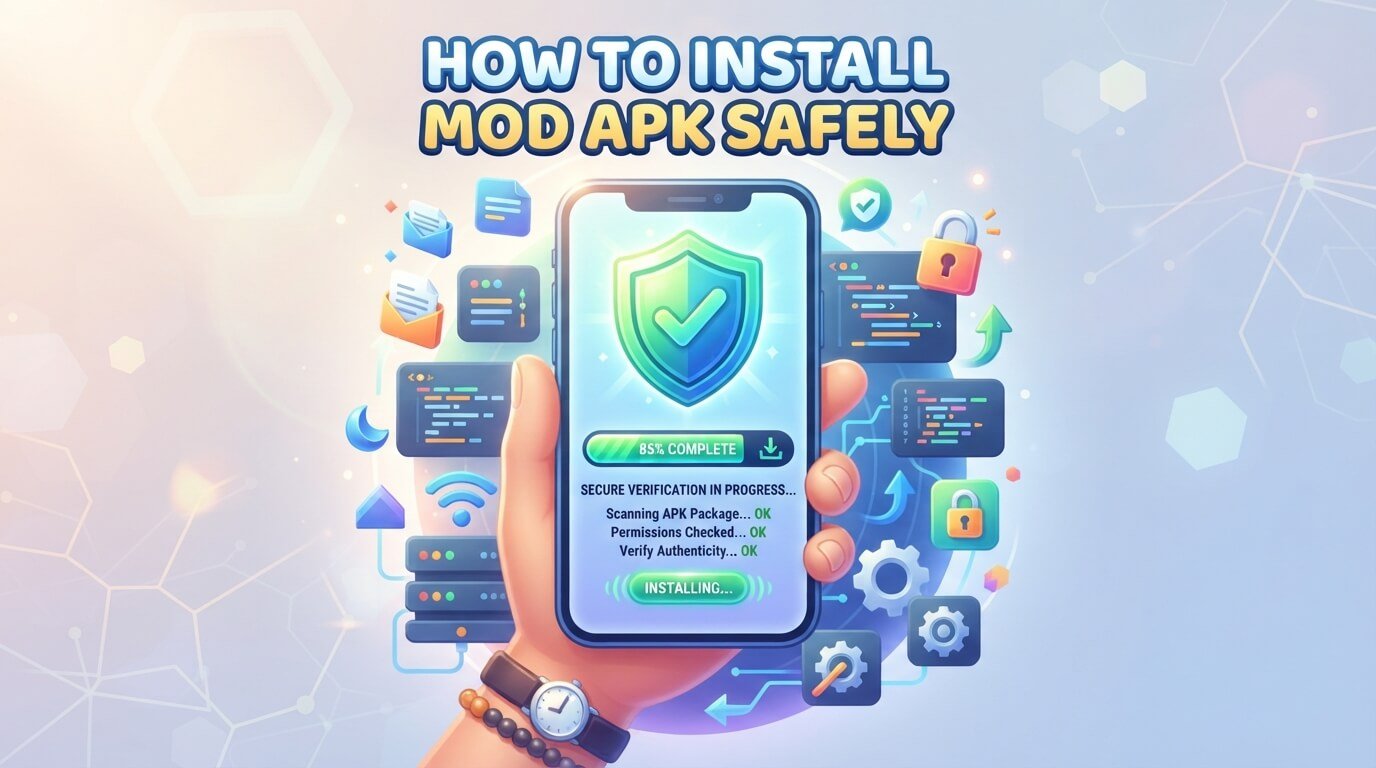
Safety checks should not stop after the APK has been installed. Pay attention to how your phone behaves. Unexpected battery drain, excessive mobile data usage, frequent advertisements, overheating, strange notifications, crashes, or unexplained permissions can be warning signs.
If an application behaves differently from what you expected, investigate it instead of ignoring the problem.
What to Do If You Suspect a Mod APK Is Dangerous
If you believe an installed APK is malicious, disconnect the device from the internet if appropriate, uninstall the suspicious application, and run a security scan. If you entered important passwords into the application, change those passwords from a trusted device.
For financial accounts, contact the relevant provider if you notice suspicious activity. You should also review recently installed applications and permissions to identify anything else that may have been installed without your knowledge.
Are Mod APKs Legal?
The legal situation can vary depending on the application, country, license, and modifications involved. Modifying an application may violate its terms of service or copyright license, even when downloading the file itself is not treated the same way under local law.
Users should respect software licenses and copyright rules. It is also important to understand that an APK being available online does not automatically mean that the person distributing it has permission to distribute or modify it.
Mod APK vs Official APK
The official version of an application is normally distributed through the developer’s authorized channels and receives updates through established systems. A mod APK has been altered by another party, which means you have less certainty about what has changed. The official version may not offer the extra features some users want, but it generally provides a clearer chain of trust. When security and privacy are important, this difference should be taken seriously.
Common Mistakes to Avoid
One common mistake is installing an APK simply because many people in a comment section claim that it is safe. Popularity does not prove security. Another mistake is turning off every Android security feature permanently just to make installation easier. Users should also avoid installing multiple modified versions of the same application from different sources because this can make troubleshooting much harder. Finally, never assume that an APK is safe just because it has been downloaded many times.
A Simple Safe Installation Checklist
Before installing a mod APK, ask yourself a few basic questions. Do I know where this file came from? Have I checked the application’s name and version? Have I scanned the file? Does the source provide enough information about the file? Do the requested permissions make sense? Have I backed up important information? Am I comfortable with the risks involved? If you cannot answer these questions confidently, the safest option is to avoid installing the file.
Frequently Asked Questions
Can a Mod APK Damage My Phone?
Yes, a malicious APK can potentially cause security, privacy, or performance problems. The risk depends on what the file contains and what permissions it receives.
Is Every Mod APK Dangerous?
No. However, because a modified application has been changed from its original form, users should not automatically assume that it is trustworthy. The source and file should be checked carefully.
Should I Disable Android Security Permanently?
No. If a particular Android setting is temporarily required for an installation, keep the change limited to what is necessary and review the setting afterward.
Can Antivirus Software Guarantee Safety?
No security scanner can guarantee that an APK is completely harmless. Scanning is one useful safety step, but source verification, permissions, updates, and cautious behavior are also important.
Final Thoughts
Knowing how to install mod APK safely is less about finding a quick installation trick and more about reducing unnecessary risk. Always consider the source, scan the file, check permissions, protect your personal information, keep Android updated, and monitor the application after installation. Modified applications can provide features that some users find useful, but they also remove some of the trust and security controls associated with official app distribution. Taking a few extra minutes to check an APK can help prevent much bigger problems later.
Short Answer
To install a mod APK more safely, download it only from a source you can evaluate, scan the file before opening it, check its version and permissions, keep your Android device updated, avoid entering sensitive information, and remove the app if it behaves suspiciously. There is no method that can guarantee a modified APK is completely safe, so careful checking is essential.