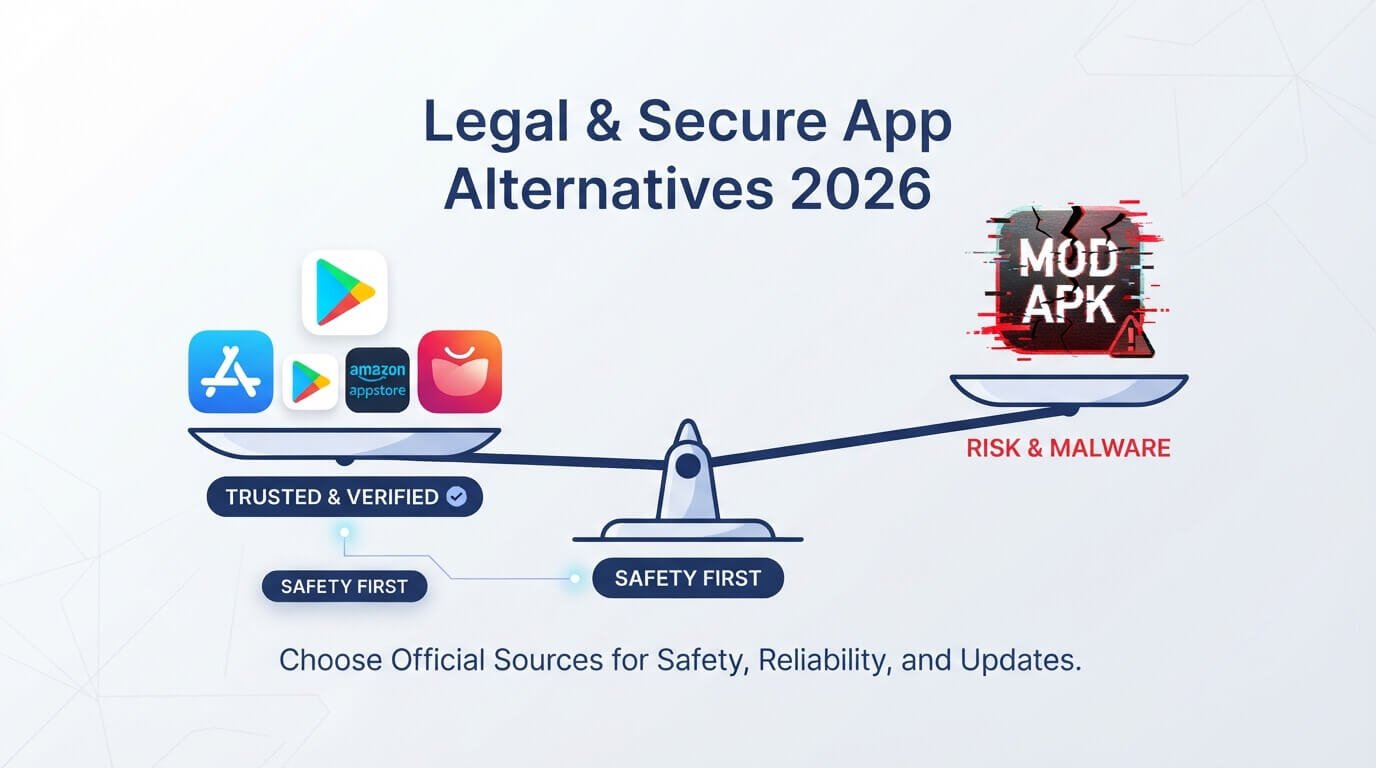
Introduction
Almost everyone has been tempted by a “premium unlocked” app at some point. The promise of free coins, no ads, and paid features sounds great, but mod APKs often come with a hidden cost.
If you are searching for safe alternatives to mod APKs, this guide will help you get what you want without putting your phone, your money, or your private data in danger. Everything here is written in simple words, so you can follow it easily.
What Are Mod APKs?
A mod APK is an app file that someone has changed after it was made by the original developer. The person who edits it may remove ads, unlock paid features, or add unlimited coins and gems to a game. These files are shared on websites, in social media groups, and through chat apps.
They look like normal apps, and they install in the same way, which is why so many people trust them. The problem is that the original developer did not make these changes, and nobody checks the file for safety. You are trusting a stranger with full access to your phone.
Why Mod APKs Are Risky
The biggest danger is hidden malware. A person who edits an app can also add code that steals your passwords, reads your messages, tracks your location, or shows endless pop-up ads. Some mod files even quietly use your phone to mine cryptocurrency, which drains your battery and slows everything down.
Since the file is not signed by the real developer, Google Play Protect may not catch every threat. Many people do not notice anything wrong until their accounts are hacked or money leaves their bank. A free upgrade is not worth that kind of trouble, and it is the main reason to look for safer choices.
Legal and Account Problems You Can Face
Mod APKs also bring legal and account risks. Most modified apps break the developer’s terms of service, and many copy paid software without permission, which is piracy. If you use a modded game, the company can ban your account, and you may lose all your progress, purchases, and friends in one day.
Some banking, payment, and streaming apps also refuse to work on phones with modified apps or tampered files. So even when a mod seems to work, you may wake up one morning and find that your account is gone with no way to get it back.
Start With Official Sources Like Google Play
The easiest safe alternative is to use the Google Play Store. Every app there goes through automatic checks, and Google Play Protect keeps scanning your phone for harmful behavior. You also get automatic updates, which fix bugs and security holes without any effort from you.
If you worry about price, remember that many paid apps go on sale, and some are free for a short time. You can also read reviews and see how many people have downloaded an app before you decide. It is not perfect, but it is far safer than a random website.
Try F-Droid for Free and Open-Source Apps
F-Droid is an app store that only lists free and open-source software. This means anyone can read the code of these apps and see what they really do, which makes hidden tricks much harder. Many apps here have no ads, no tracking, and no locked features, which is exactly what people want from mod APKs.
You can find good options for notes, maps, file managers, media players, and more. F-Droid builds apps from the public code itself, so you are getting the real thing. It is one of the best places for people who care about privacy and want premium features without paying.
Use Aurora Store for Play Store Apps Without a Google Account
Some people want Play Store apps but do not want to sign in with a personal Google account. Aurora Store is an open-source app that lets you download apps from the Play Store in a more private way, and it can update them too.
This helps people who use phones without Google services, and it also helps users who simply want less tracking. You still get the real apps from the real developers, with no changes inside the file. Just remember to download Aurora Store itself from its official page, because fake copies of popular tools also exist online.
Check Your Phone Brand’s Own App Store
Many phone companies run their own stores. Samsung has the Galaxy Store, and Huawei has AppGallery. These stores check apps and often add special deals, such as free themes, discounted games, and bonus items, which can be very helpful for people who like rewards.
They are good places for apps that are built to work well on your specific phone. If you use one of these brands, take a look at the store before searching random websites. You might find the same app, along with offers you did not know about.
Download From the Developer’s Official Website
If an app is not on the Play Store, the next best place is the developer’s own website. Big companies and small teams alike often share the latest version of their app there, especially beta versions or files for regions where the app is not sold. When you get the file from this source, you know it has not been changed by anyone else.
Always type the website address yourself or use a link from the developer’s verified social media page, because fake copycat sites are common. If the address looks strange or has spelling errors, leave the page immediately.
Use APKMirror Carefully for Older Versions
Sometimes you want an older version of an app because a new update ruined a feature. APKMirror is a well-known site that hosts official app files and checks the digital signature to confirm the file matches the one made by the original developer. That is very different from a mod site, because nothing inside the file is altered.
Even so, stay careful. Only download from the real website, avoid any file with “mod” or “hacked” in the name, and scan the file before you install it. Used correctly, it is a safe way to get older or region-locked versions.
Free Open-Source Replacements for Popular Paid Apps
Many people go to mod APKs because they do not want to pay for a music player, video app, or notes tool. The good news is that there are honest free alternatives. VLC works as a strong video and music player without ads. NewPipe gives a light and private way to watch online videos.
Organic Maps offers offline maps without tracking, and Bitwarden helps you manage passwords. Simple tools like a free file manager or gallery app also work well. These apps are made by real communities, and they give you the “premium” feel without any cracked files.
Use Subscription Bundles and Free Trials
If you truly want premium features, there are legal ways to reduce the cost. Google Play Pass, for example, gives you access to many paid games and apps for one monthly fee, without ads or extra purchases inside them. Many services also offer free trials, student discounts, or cheaper family plans.
Some apps sell a lifetime license at a fair price, which is often cheaper than paying monthly for years. Before you download a mod, compare these options. Paying a small amount for a trusted app is usually far cheaper than losing your data or your account.
Earn Rewards Instead of Cracking Games
Many gamers use mods to get free coins and gems. There are safer ways to get similar benefits. Google Play Points lets you earn points when you buy apps and games, and you can turn them into store credit.
Some games also give daily login rewards, event prizes, and free items when you complete tasks. Google Opinion Rewards gives small Play Store credit for answering short surveys. These methods take patience, but they are safe and keep your accounts clean, and the progress you make stays with you forever.
Be Smart About Ads
A large number of people use mod APKs only because they are tired of ads. Instead of installing a risky file, look for ad-free versions from the developer, since many apps offer a small one-time payment to remove ads.
You can also pick similar apps that have fewer ads, or use the offline mode of an app to avoid them. Some browsers also have built-in tools that block many annoying ads on websites. Removing ads the official way supports the creators, and it keeps your phone free from bad code hidden inside modified files.
How to Check If a Download Source Is Safe
No matter where you download from, make a habit of checking the source first. Look at the website address carefully, and read reviews from real users on trusted forums. Search the developer’s name to confirm they exist.
Scan the file with a free tool like VirusTotal before installing it, and compare the file size with the number on the official page. Read the permissions during installation and stop if the app asks for things it should not need. These simple checks take only a few minutes, but they can save you from serious problems.
Tips to Keep Your Phone Safe
Good habits protect you even when you make a small mistake. Keep Google Play Protect turned on, and update your phone regularly so it has the latest security fixes. Use a strong screen lock and turn on two-factor login for important accounts.
Do not click on strange links or open files from people you do not know. Turn off the “install unknown apps” setting when you are not using it. Finally, back up your photos and contacts often. If something does go wrong, you will be able to recover quickly without losing everything you care about.
What to Do If You Already Installed a Mod APK
If you have already used a mod APK, do not panic, but act quickly. Uninstall the app right away, and delete the file from your Downloads folder. Run a full scan with a trusted security app, and check your list of installed apps for anything you do not remember adding.
Change the passwords of your important accounts, especially email and banking, using a different clean device if possible. Watch your bank statements for unusual activity. If the phone still acts strangely, back up your personal files and do a factory reset to remove any hidden problem.
Frequently Asked Questions
Are all mod APKs unsafe? Not every file is harmful, but you cannot be sure, because nobody verifies them, and they often break the rules of the original app.
Is F-Droid safe? Yes, it is widely trusted because it only lists open-source apps that anyone can inspect.
Can I get premium apps for free legally? Yes, through sales, free trials, reward programs, and open-source alternatives.
Will Google Play Protect stop all bad apps? It helps a lot, but no tool is perfect, so your own care still matters.
Final Thoughts
Mod APKs may look like a shortcut, but the risks to your privacy, your money, and your accounts are real. The good news is that safe alternatives to mod APKs are easy to find.
Use trusted stores like Google Play and F-Droid, download from official developer sites, try free open-source apps, and take advantage of trials, sales, and rewards. With these habits, you can enjoy great apps and games without worry. Share this guide with friends or family who love free apps, and help them stay safe too.