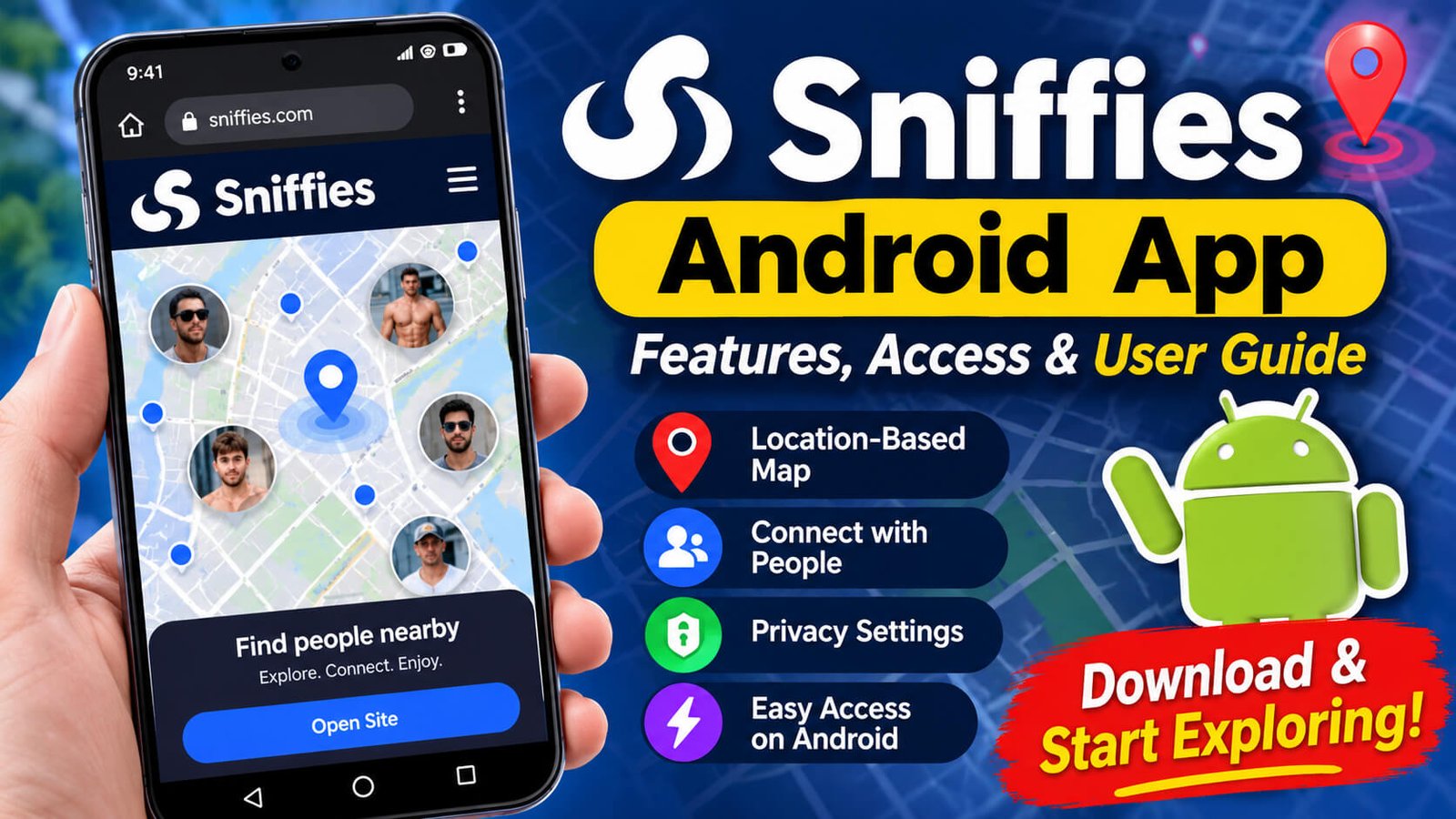
The sniffies android app is a popular search term among people looking for a location-based social platform that works on Android smartphones. Many users want to know whether Sniffies has an official Android application, how they can access the platform, what features it offers, and whether it is safe to use on their mobile devices. Understanding these details can help users make informed decisions before visiting the platform or creating an account.
Sniffies is known as a location-based social platform designed primarily for adults. It provides a map-based experience that helps users discover other people and connect based on their location and preferences. Android users often search for a downloadable application because they prefer having social platforms available directly on their phones. However, it is important to understand the difference between a dedicated Android app and a mobile website before downloading anything.
1. What Is the Sniffies Android App?
The sniffies android app is a phrase commonly used by people searching for the Sniffies platform on Android devices. Sniffies is a web-based social platform that uses location-related features to help adults discover and connect with other users nearby. Its interface focuses on a map that displays available profiles and helps users explore the platform through their mobile browsers.
Unlike many traditional social networking platforms, Sniffies places significant importance on location and nearby connections. Users can explore profiles, communicate with other members, and use different platform features depending on their account settings and available functionality. The platform is intended for adults, and users should review its age requirements and policies before accessing it.
2. Does Sniffies Have an Official Android App?
One of the most common questions about the sniffies android app is whether users can download an official application from the Google Play Store. Sniffies is primarily accessed through its website, and Android users may be able to use its mobile-friendly interface through a compatible browser instead of installing a traditional application.
This is an important distinction because third-party websites sometimes advertise APK files using the Sniffies name. These files may not be official releases and could potentially contain unwanted software, harmful permissions, or misleading content. Before downloading any APK, users should verify its source and avoid installing files from websites they do not trust.
3. How Android Users Can Access Sniffies
Android users can access the platform through a compatible mobile browser. This approach allows users to visit the website without necessarily downloading a separate application. A modern browser can provide access to many of the same website features while keeping the installation process simple.
Users should make sure their browser is updated to the latest version. An updated browser can improve website compatibility, security, and performance. If the platform does not load correctly, clearing browser cache or switching to another supported browser may help resolve common technical problems.
4. Main Features of Sniffies
Sniffies offers a location-focused experience that differs from traditional social networking applications. Its features are designed around discovering profiles, viewing information, and connecting with other users. The exact functionality available may depend on the platform’s current version, account settings, and regional availability.
Some commonly discussed platform features include location-based discovery, profile browsing, communication tools, map navigation, and account customization. Users should explore these features carefully and understand the privacy settings available to them before sharing personal information.
5. Location-Based Map Experience
The map is one of the most recognizable parts of the Sniffies platform. It provides a visual way to explore users and available profiles based on location-related information. Instead of browsing a traditional list, users can interact with a map interface and discover profiles that may be relevant to their preferences.
Location-based platforms can be useful for discovering nearby connections, but they also involve privacy considerations. Users should understand how their location information is handled and avoid sharing precise personal details unless they are comfortable doing so. Reviewing location permissions and privacy settings is an important step before using any location-focused social service.
6. User Profiles and Personal Information
Profiles allow users to provide information about themselves and their preferences. Profile details can help people understand whether they have common interests before starting a conversation. Depending on the platform’s available options, users may be able to add profile descriptions, images, and other information.
When creating a profile, users should avoid including sensitive details such as their home address, workplace, financial information, or private identification documents. A carefully managed profile can help maintain a balance between social interaction and personal privacy.
7. Communication and Social Interaction
Sniffies includes communication-related features that allow users to interact with other members. These tools help people exchange messages and learn more about one another before deciding whether to continue a conversation.
Users should remember that online communication involves interacting with people they may not know personally. Avoid sending financial information, passwords, verification codes, or sensitive personal details to other users. If a conversation becomes uncomfortable, users should consider blocking or reporting the account through the available platform tools.
8. How to Use Sniffies on an Android Phone
Accessing Sniffies on an Android device is generally straightforward when using a supported browser. Users can visit the official website, review the platform’s requirements, and follow the instructions displayed on the screen.
A simple access process includes opening a mobile browser, entering the official Sniffies website address, and allowing only the permissions necessary for the features they want to use. If location access is requested, users should review the permission carefully before accepting it. They can also check their Android settings later to change or revoke permissions.
9. Sniffies Android App vs. Mobile Website
Many users search for the sniffies android app because they expect a downloadable application with an installation process similar to other Android apps. However, a mobile website and a native Android application are different products.
A mobile website works through a browser, while a native application is installed directly on the device. Websites can sometimes offer an app-like experience through mobile browser features, but that does not automatically mean the platform has an official APK available.
Users should confirm the official access method before downloading files from third-party APK websites. This helps reduce the risk of installing applications that imitate the original platform.
10. Can Sniffies Be Added to the Android Home Screen?
Some Android browsers allow users to add frequently visited websites to their home screens. This can create a shortcut that makes opening a website faster and more convenient.
If the browser offers an option such as Add to Home Screen, users can check whether it is available for the Sniffies website. The shortcut may open the website in a more app-like format depending on browser support and website configuration.
This option does not necessarily install a native Android application. It simply provides easier access to the website through the device’s home screen.
11. Privacy Settings and Location Permissions
Privacy is an important consideration when using any location-based platform. Android users should review the permissions requested by their browser and understand what information may be shared with the website.
Location permissions can often be managed through Android’s application settings. Users may choose to allow location access only while using a browser, deny access, or change permissions later. The exact options depend on the Android version and device manufacturer.
It is also useful to review account privacy settings, avoid sharing identifying information, and use strong passwords. These simple steps can help reduce unnecessary exposure while browsing social platforms.
12. Is Sniffies Safe for Android Users?
The safety of using Sniffies on Android depends on several factors, including the source of access, account security, privacy settings, and user behavior. Accessing a website through a trusted and updated browser can reduce some risks associated with downloading unofficial APK files.
Users should be cautious of websites that claim to offer special Sniffies APK downloads, modified applications, premium unlocks, or suspicious installation packages. Such files may not be connected to the official platform and could expose devices to malware or unwanted activity.
For better security, users should avoid installing applications from unknown sources unless they have carefully verified the software and its publisher.
13. Common Problems on Android Devices
Some users may experience technical issues when accessing Sniffies through an Android browser. These problems can include loading errors, map display issues, slow performance, login difficulties, or website features that do not work as expected.
Common troubleshooting steps include updating the browser, checking the internet connection, restarting the device, clearing browser cache, and trying another compatible browser. If the issue continues, users can check the platform’s official support resources for current information.
Keeping Android software and browser applications updated can also improve compatibility with modern websites.
14. Internet Connection and Performance
A stable internet connection can improve the overall experience when using location-based websites. Maps, profile images, and other website elements may require additional data to load, especially when users are browsing through mobile networks.
Wi-Fi may provide a more stable experience in some situations, while mobile data can be convenient when users are away from home. If the website loads slowly, users can close unnecessary browser tabs, check their connection speed, or switch between available network options.
Performance may also depend on the phone’s hardware, browser settings, and the website’s current server conditions.
15. Account Creation and Login
Users who want to access account-specific features may need to follow the platform’s registration or login process. The available options and requirements can change over time, so users should follow the instructions displayed on the official website.
When creating an account, it is recommended to use a strong and unique password. Avoid reusing passwords from email accounts, banking services, or other social platforms. If the platform provides additional account security options, users should review them carefully.
16. Responsible Use of Location-Based Social Platforms
Location-based social services can help people discover connections, but responsible use is important. Users should respect other people’s boundaries, communicate honestly, and avoid sharing information that could compromise their safety.
It is also important to understand that profile information may not always be accurate. Users should exercise caution when interacting with unfamiliar people and avoid making decisions based solely on information displayed online.
If users choose to meet someone in person, they should consider basic personal safety practices, such as meeting in a public place and informing a trusted person about their plans.
17. Sniffies Android App Download: Important Information
People searching for the sniffies android app download should verify whether an official Android application is currently available through a trusted distribution channel. Search results may include unofficial APK files, advertisements, or third-party download pages that are not operated by the platform.
Before downloading any application, check the developer’s identity, permissions, source, and user reviews. Be particularly careful with APK files that request unnecessary access to contacts, messages, files, or other sensitive information.
Using the official website through a supported browser may be a simpler option if no verified Android application is available.
18. Benefits of Using Sniffies on Android
Android devices provide flexibility when accessing websites and social platforms. Users can choose from different browsers, manage website permissions, customize home-screen shortcuts, and control how applications use device resources.
Using Sniffies through a mobile browser may also eliminate the need to install a separate application. This can be useful for people who prefer to keep their devices organized and avoid downloading software from unfamiliar sources.
However, the experience depends on browser compatibility, website functionality, and the device’s internet connection.
19. Frequently Asked Questions
Is Sniffies available for Android?
Sniffies can be accessed through compatible mobile browsers on Android devices. Users should verify the availability of any official native application through trusted sources before downloading an APK.
Is the Sniffies Android app free?
Access and available features may depend on the platform’s current service model. Users should review the official website for information about free features, paid plans, or other account-related requirements.
Can I use Sniffies without downloading an APK?
Users may be able to access Sniffies through a compatible browser without installing a separate APK. This can provide a convenient alternative to third-party downloads.
Is it safe to download Sniffies APK files?
APK files from unknown websites may contain harmful software or imitate legitimate applications. Users should verify the source before installing any Android software.
Can I use Sniffies on Chrome?
Android users can try accessing the official website through Chrome or another compatible mobile browser. Website performance may depend on browser version and device settings.
Does Sniffies require location access?
Some location-related features may require location permissions. Users should review the permission request and decide whether they want to share their location.
20. Final Thoughts on Sniffies Android App
The sniffies android app is a commonly searched phrase among Android users who want to access the Sniffies platform on their smartphones. Understanding that the platform may primarily operate through a mobile website can help users avoid confusion when searching for APK downloads.
Android users should prioritize official access methods, updated browsers, privacy settings, and safe online behavior. Before installing any application, it is always important to verify its source and review the permissions it requests.
Sniffies offers a location-focused social experience, but users should approach online interactions responsibly and protect their personal information. By understanding the platform and using suitable security practices, Android users can make more informed decisions about accessing social websites on their devices.
1 thought on “Sniffies Android App: Features, Access, and Complete Guide for Android Users”